
Log Center
The Log Center collects every log the platform records for your organization in one place,
separated by type. Find it under Organization → Log Center.
Use it when you know something happened but not where — as opposed to a specific integration's
run history, which is easier to reach from the integration itself.
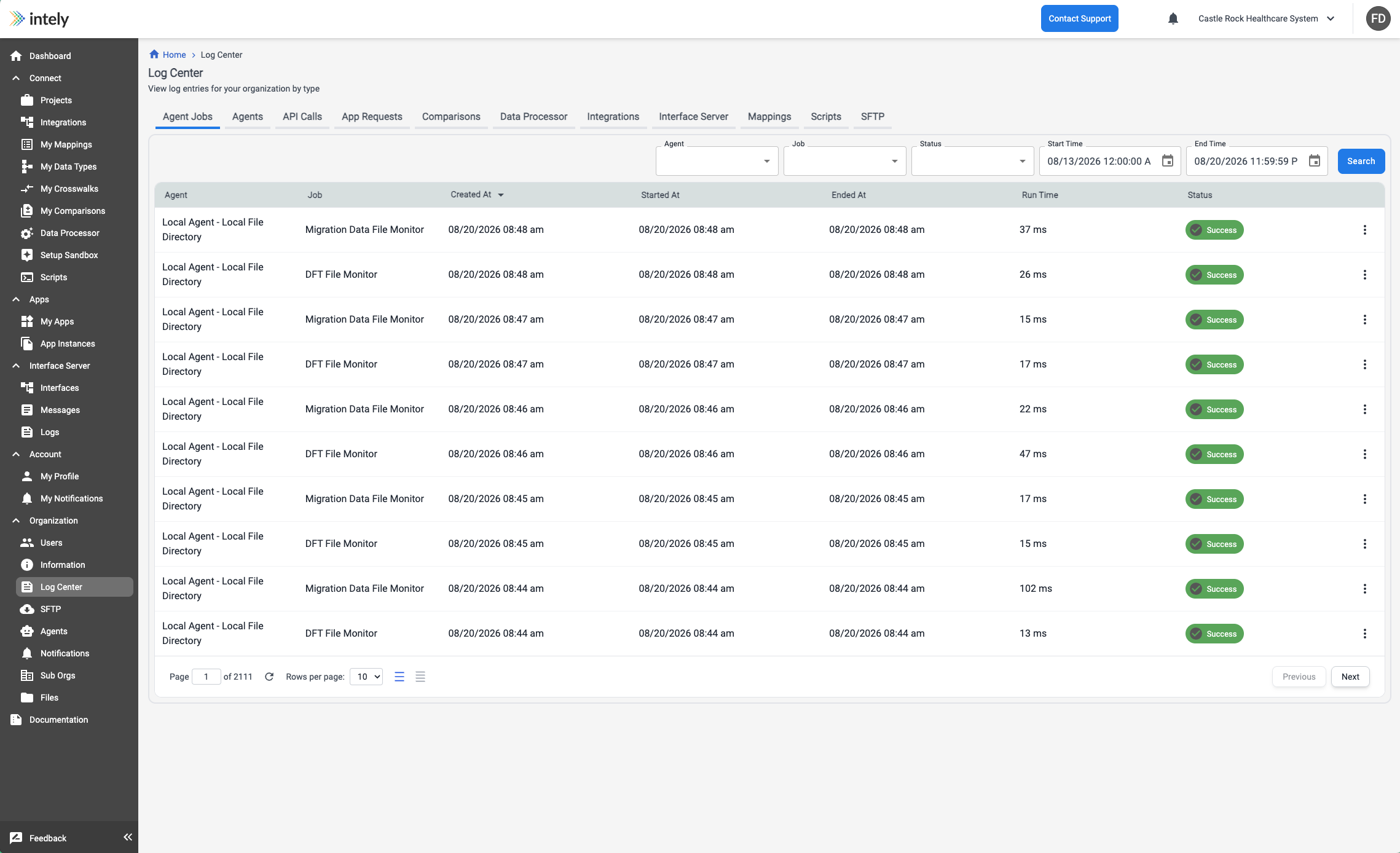
Log types
| Type | Records |
|---|---|
| Integrations | Integration runs and their step-level detail |
| Mappings | Mapping executions |
| Comparisons | Comparison executions |
| App Requests | Requests made to connected apps through an app instance |
| API Calls | Calls made to the Intely API against your organization |
| Data Processor | Data processor job executions |
| Scripts | Script executions |
| Agents | Agent connectivity and lifecycle events |
| Agent Jobs | Individual agent job runs |
| Interface Server | Interface message handling |
| SFTP | SFTP session and file transfer activity |
Low-level platform execution logs also exist, but are generally reserved for Intely staff and
will not normally appear as a tab in your organization.
Access is per type
Each log type is governed by its own permission, so visibility can be granted selectively —
a user can be given integration logs without SFTP or platform logs. This is what makes the
Client Security Resource role useful: log visibility without the ability to build or change
anything.
If a type is missing from your view, you do not hold its logging permission. See
Users, Roles & Permissions.
A practical order to work in
When something did not happen as expected, the fastest path is usually:
- SFTP or App Requests — did the input actually arrive?
- Integrations — did the run start, and which step failed?
- Mappings, Data Processor or Agent Jobs — did the step's underlying work fail?
- Pod Logs — only when the above leave the cause unexplained.
Updated 2 months ago